Kids routines
Chore chart template: 5 free layouts you can copy today
Updated · Done Enough
In this guide (10 parts)
- Which chore chart template should you use?
- Template 1: weekly grid for one child
- Template 2: picture chart for non-readers
- Template 3: several kids on one chart
- Template 4: rotating chores
- Template 5: monthly layout for teens
- How to make a chore chart in Excel or Google Sheets
- Making the template work
- Adapting a template for kids with ADHD
- Paper, Excel or Google Sheets?
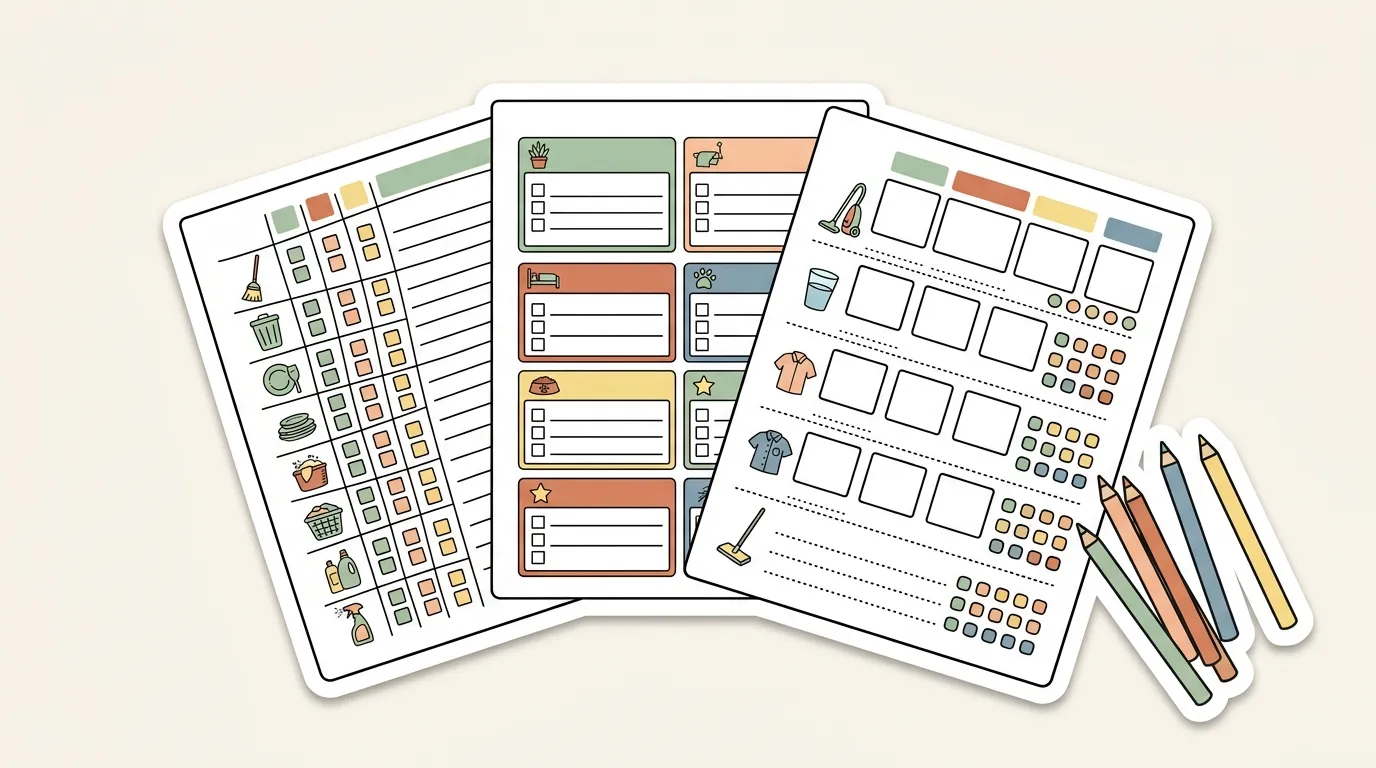
A chore chart template is a grid: chores down the side, days across the top, a box to tick in each cell. Five layouts cover most families: a weekly grid for one child, a picture chart for non-readers, one chart for several kids, a rotation for the jobs nobody wants, and a monthly view for teens.
It is part of our kids routines guide. How to introduce and keep a chart going is in the main chore chart guide; this page is just the layouts. For what to write in them, see chore chart ideas by age.
Which chore chart template should you use?
| Your situation | Template |
|---|---|
| One child, can read | 1. Weekly grid |
| One child, can’t read yet | 2. Picture chart |
| 2 or 3 kids close in age | 3. Several kids on one chart |
| Arguments over unpopular jobs | 4. Rotating chores |
| Teens, or jobs that happen less than weekly | 5. Monthly layout |
Template 1: weekly grid for one child
| Chore | Mon | Tue | Wed | Thu | Fri | Sat | Sun |
|---|---|---|---|---|---|---|---|
| ☐ | ☐ | ☐ | ☐ | ☐ | ☐ | ☐ | |
| ☐ | ☐ | ☐ | ☐ | ☐ | ☐ | ☐ | |
| ☐ | ☐ | ☐ | ☐ | ☐ | ☐ | ☐ | |
| Weekly job | ☐ |
Three daily rows and one weekly row. Leave the weekly row empty on every day except the one it happens.
Template 2: picture chart for non-readers
| Picture | Chore | Mon | Tue | Wed | Thu | Fri | Sat | Sun |
|---|---|---|---|---|---|---|---|---|
| (photo of toy bin) | Toys in the bin | ☐ | ☐ | ☐ | ☐ | ☐ | ☐ | ☐ |
| (photo of hamper) | Clothes in hamper | ☐ | ☐ | ☐ | ☐ | ☐ | ☐ | ☐ |
| (photo of pet bowl) | Feed the pet | ☐ | ☐ | ☐ | ☐ | ☐ | ☐ | ☐ |
Use a real photo of your own toy bin, hamper and bowl in the first column. A sticker per box often works better than a tick at this age. Our free printable chore chart already has picture icons; for routine steps, the kids visual routine cards add printable pictures.
Template 3: several kids on one chart
Filled-in example for three kids aged 11, 7 and 4:
| When | Oldest (11) | Middle (7) | Youngest (4) |
|---|---|---|---|
| Daily | Unload dishwasher | Set the table | Napkins on the table |
| Daily | Pack school bag | Clothes in hamper | Toys in bin |
| Saturday | Vacuum living room | Sort laundry | Match socks |
Give each child a color and write their jobs in it. That way even the youngest can find their column.
Template 4: rotating chores
For the jobs nobody wants. Move each name down one row every week.
| Job | Week 1 | Week 2 | Week 3 |
|---|---|---|---|
| Take out trash | Oldest | Middle | Youngest (with help) |
| Clear the table | Middle | Youngest (with help) | Oldest |
| Feed the pet | Youngest | Oldest | Middle |
After week 3 the cycle starts again. If two kids keep swapping the same job, the task wheel can pick instead.
Template 5: monthly layout for teens
| Job | Week 1 | Week 2 | Week 3 | Week 4 | Done by |
|---|---|---|---|---|---|
| Own laundry | ☐ | ☐ | ☐ | ☐ | Sunday |
| Clean bathroom sink | ☐ | ☐ | ☐ | ☐ | Saturday |
| Cook one dinner | ☐ | ☐ | ☐ | ☐ | Any day |
| Change sheets | ☐ | ☐ | Every 2 weeks | ||
| Yard or car | ☐ | Once a month |
A deadline column suits teens better than fixed days. More teen layouts are in the printable chore chart for teens.
How to make a chore chart in Excel or Google Sheets
- Column A: type the chores, one per row.
- Row 1: type Mon to Sun from column B onward.
- Checkboxes: in Google Sheets select the grid and use Insert, then Checkbox. In Excel, type an X or use a symbol font.
- Make it big: set the font to 18 pt or more and widen the columns.
- Print area: one page, landscape, gridlines on.
- Print a fresh copy each week, or slip one copy into a sheet protector and use a dry-erase marker.
Making the template work
- Fill it in yourself. Your own chores match your house better than a pre-filled list.
- 3 or 4 daily chores at most. Longer lists get skipped.
- Use pictures for kids who can’t read yet. See how to make a visual schedule.
- Print it large. A chart you can read from across the room gets used.
- Redraw it every few weeks. Most charts lose their pull once the novelty fades, and a fresh version helps.
Adapting a template for kids with ADHD
A standard 7-day grid can be a lot to take in. For kids with ADHD, or any child who loses track of a busy chart, these changes keep the layout easy to act on (practical tips, not medical advice):
| Change | How |
|---|---|
| Today only | Fold or cut the chart so only today’s column shows |
| Shorter steps | Split one chore into two rows (“scoop food”, “fill water”) |
| Visual cues | A picture in every row, and a copy of the card at the spot where the job happens |
| Immediate marks | Stickers or a flip card right after each job, not at bedtime |
| Fewer rows | Two daily chores, one weekly job |
More ideas: ADHD routine for kids.
Paper, Excel or Google Sheets?
| Format | Good for | Watch out |
|---|---|---|
| Paper on the fridge | Young kids, always visible | Wears out; use a dry-erase sleeve or laminate |
| Excel | Printing a clean grid | Set the print area to one page |
| Google Sheets | Teens, shared on phones | Easy to ignore if nobody opens it |
Pick one template, fill in three chores, and print it today. Not sure what to list? See chore chart ideas by age. Want to add stickers or points for finished jobs? Read the reward chart guide. To settle who picks first, spin the task wheel.
FAQ
How to make a simple chore chart?
Draw a grid with chores down the left and days across the top. Keep 3 or 4 daily chores, put bigger jobs on one day, and add a box to tick. Hang it where the chores happen, at your child's eye level.
Where can I find a free template for a chore schedule?
You can copy the layouts on this page onto paper or into a spreadsheet for free, or download our free printable chore chart PDF. A blank grid you fill in yourself often works better than a pre-filled one, because the chores match your actual house.
Is there a free chore chart app?
Several apps have free versions, but many parents find paper easier because it stays visible and needs no phone. Try a printed chart first and switch to an app only if paper does not stick.
How to make a chore chart in Excel?
Put chores in column A and days in row 1, then use the cells as tick boxes: type an X or insert checkboxes. Set the print area to one page and print in landscape. The same layout works in Google Sheets.
What is the best chore chart template?
The best one is the simplest layout that fits your family: a weekly grid for one child, a shared grid for siblings close in age, or a rotation for jobs nobody wants. Pick by how many kids you have, not by how it looks.
How many chores should a 7 year old do?
There is no fixed number. Two or three short daily jobs plus one weekly job is a reasonable start at 7. If the chart is often half done, remove a chore before adding anything.